
Firefox

书签管理器

书签是您保存在浏览器中的链接,可以通过它来轻松快捷地打开您的常用网站。Firefox 自带易用的书签管理器,便于整理、搜索、更新并跨设备同步您保存的所有链接

将书签整理到可搜索的文件夹中

将书签收纳到文件夹中,并根据详细信息打上标签,方便寻找。您还可以对书签进行排序,以快速找到需要的书签。
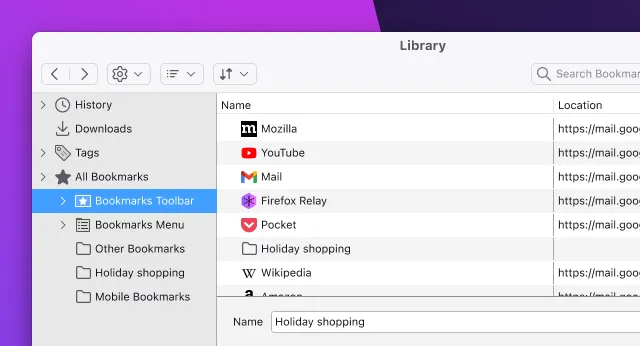
Image of the bookmark manager window in Firefox.

轻松导入书签

您可以使用 Firefox 的导入向导,从 Chrome、Safari 和 Edge 导入书签。只需前往“书签”>“管理书签”,选择“导入和备份”即可导入。
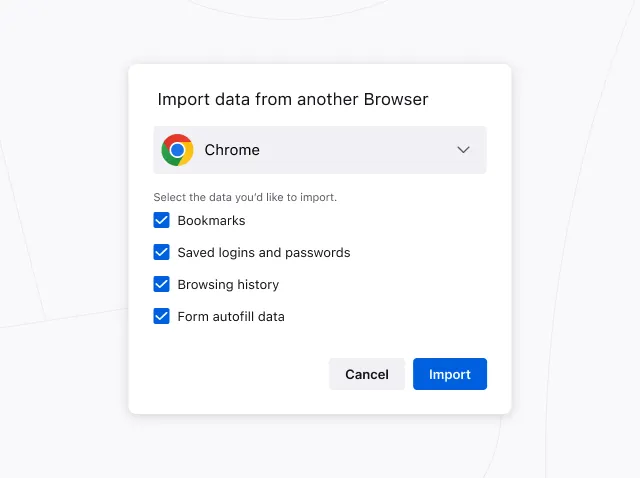
Image of the Firefox import wizard dialog, showing options to import settings and data from other browsers.

书签工具栏

通过 Firefox 顶部的菜单快速访问您的常用书签,或者固定到书签工具栏。
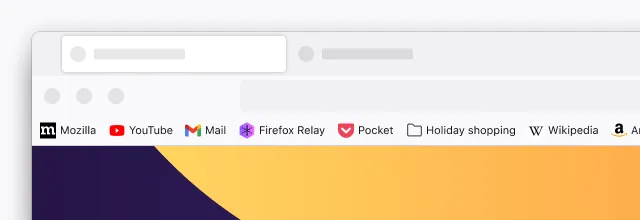
Image of Firefox showing a collection of bookmarks in a toolbar at the top of the browser window.

Keep up with all things Firefox

Get how-tos, advice and news to make your Firefox experience work best for you.