
Firefox

Protection

Your online life belongs to you

Protection shouldn’t be a premium feature. With Firefox, it’s built in. We block trackers automatically, protect your privacy by default, and give you clear visibility into what’s happening behind the scenes.

Peace of mind? Piece of cake.

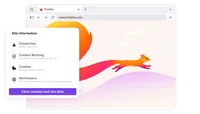
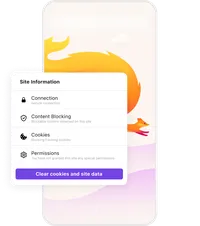
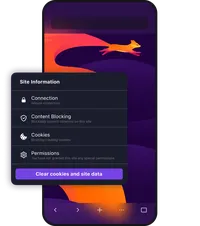
Total cookie protection

Cookies are one of the web’s favorite tracking tools, following you from site to site and quietly building a profile of your activity. Total Cookie Protection keeps each site’s cookies separate, so companies can’t connect the dots across your browsing.


Enhanced Tracking Protection

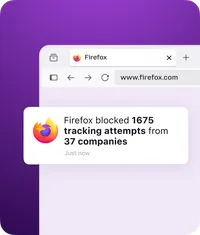
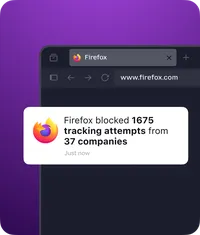
Firefox blocks thousands of known trackers before they can follow you around the web. No setup required. Just open Firefox and browse with protection already in place. You can also see what’s being blocked by clicking the shield icon in your address bar.

Private browsing that’s actually private

When you need to browse without leaving a trace, Firefox Private Browsing clears your search and browsing history automatically when you’re done.

Protection Features

Free password manager

Get help creating new passwords, auto-fill online forms and log in automatically.

Firefox private browsing mode

Automatically delete cookies and erase your browser history when you close it.

Fingerprint blocking

Firefox helps block browser fingerprinting with built-in protections that reduce hidden tracking and help protect your privacy online.

Ad tracker blocking

Firefox automatically blocks 2000+ ad trackers from following you around the internet.

More Firefox Features

Control without complexity

Firefox gives you real choices without burying you in settings. Choose your tools, customize your experience, and decide how your browser works, instead of adapting to someone else’s defaults.

Focus without the fight

Your browser shouldn’t compete for your attention. Firefox is designed to reduce noise, cut distractions, and help you stay oriented, whether you’re reading, researching, or multitasking.

Keep up with all things Firefox

Get how-tos, advice and news to make your Firefox experience work best for you.