
Select colors in Firefox with the eyedropper tool
There are a lot of reasons you might want to know the exact hex color code of a specific color on a web page — maybe you build webpages or are a graphic designer. The eyedropper tool, in the desktop version of Firefox, lets you find exact hex color codes just by hovering over any color you see on a web page. A click will copy that color value to your clipboard.
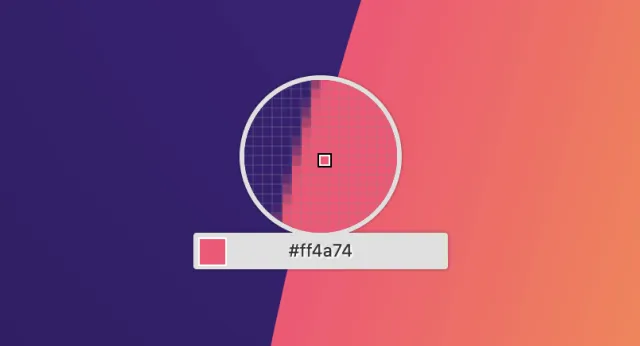
You can find the eyedropper under "Browser Tools" in the Tools menu or under "More Tools" in the Firefox toolbar menu (at the end of the Firefox toolbar).