


See what’s new in Firefox!
Release Notes tell you what's new in Firefox. As always, we welcome your feedback. You can also file a bug in Bugzilla or see the system requirements of this release.
Download Firefox — English (US)
Your system may not meet the requirements for Firefox, but you can try one of these versions:
Download Firefox — English (US)
-
Download Firefox

-
Download Firefox
-
Download Firefox
-
Download Firefox
-
Download Firefox
-
Download Firefox
-
Download for Linux 64-bit
-
Download for Linux ARM64
-
Firefox for Android
-
Firefox for iOS
-
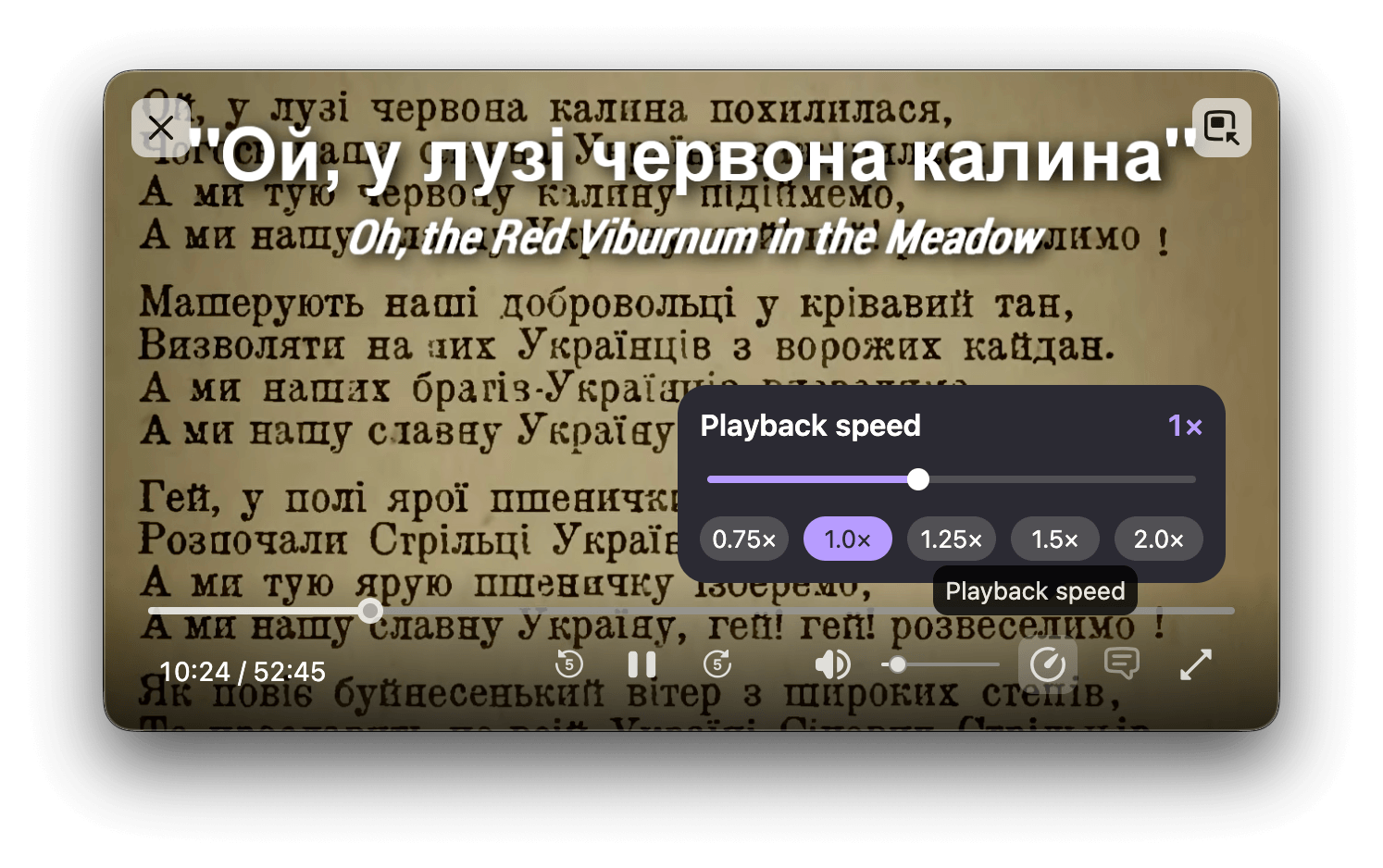
The Picture-in-Picture player now has a playback speed setting, with options ranging from 0.25x to 2.0x speed. The setting appears only when the player window is medium-sized or larger.
-
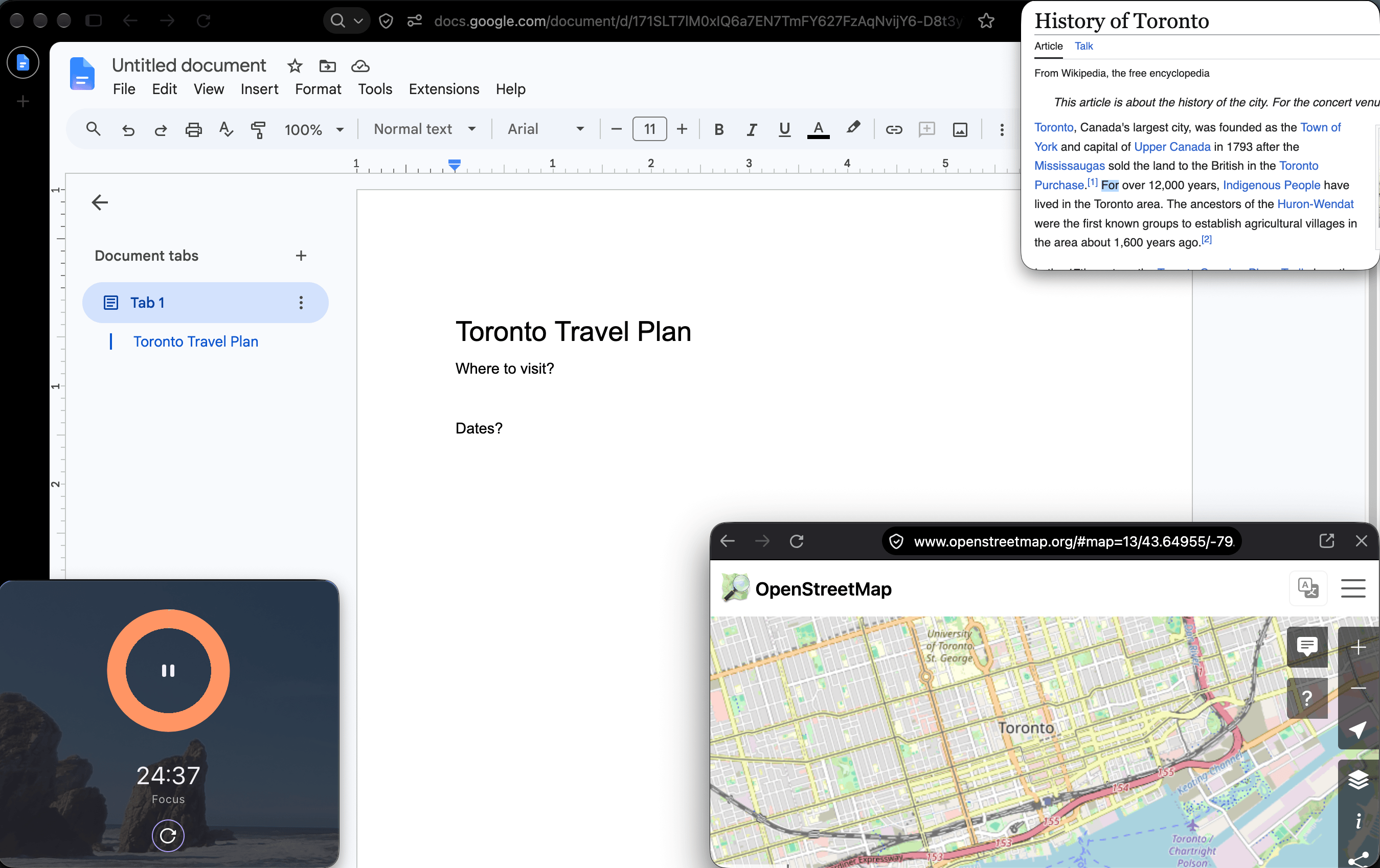
Mini Window moves a tab or a selected part of a page into an always-on-top window while browsing. We’d appreciate feedback on Mozilla Connect as we develop and improve this early version of the feature.
-
History entries can now be dragged from the sidebar to the tab strip to open them in new tabs.
-
The address bar context menu now shows "Paste and Search" instead of "Paste and Go" when the copied text is a search term rather than a web address.
-
Pages saved as PDF now make mathematical content (MathML) accessible to assistive technology such as screen readers.
-
Websites that repeatedly ask to handle email (mailto:) and other links can now be blocked with a new “Never allow” button, and blocked sites can be managed in Settings.
-
Firefox now plays Matroska (MKV) files with FLAC, MP3, or PCM audio.
-
WebGL content on macOS is now rendered using Apple's Metal graphics API, which can improve performance on some sites.
-
In Smart Window, Organize Tabs is now available in French. Firefox can suggest groups of related open tabs and name each group in French.

This feature is part of a progressive roll out.
What is a progressive roll out?
Certain new Firefox features are released gradually. This means some users will see the feature before everyone does. This approach helps to get early feedback to catch bugs and improve behavior quickly, meaning more Firefox users overall have a better experience.
Get the most recent version
Download Firefox — English (US)
Your system may not meet the requirements for Firefox, but you can try one of these versions:
Download Firefox — English (US)
-
Download Firefox
-
Download Firefox
-
Download Firefox
-
Download Firefox
-
Download Firefox
-
Download Firefox
-
Download for Linux 64-bit
-
Download for Linux ARM64
-
Firefox for Android
-
Firefox for iOS